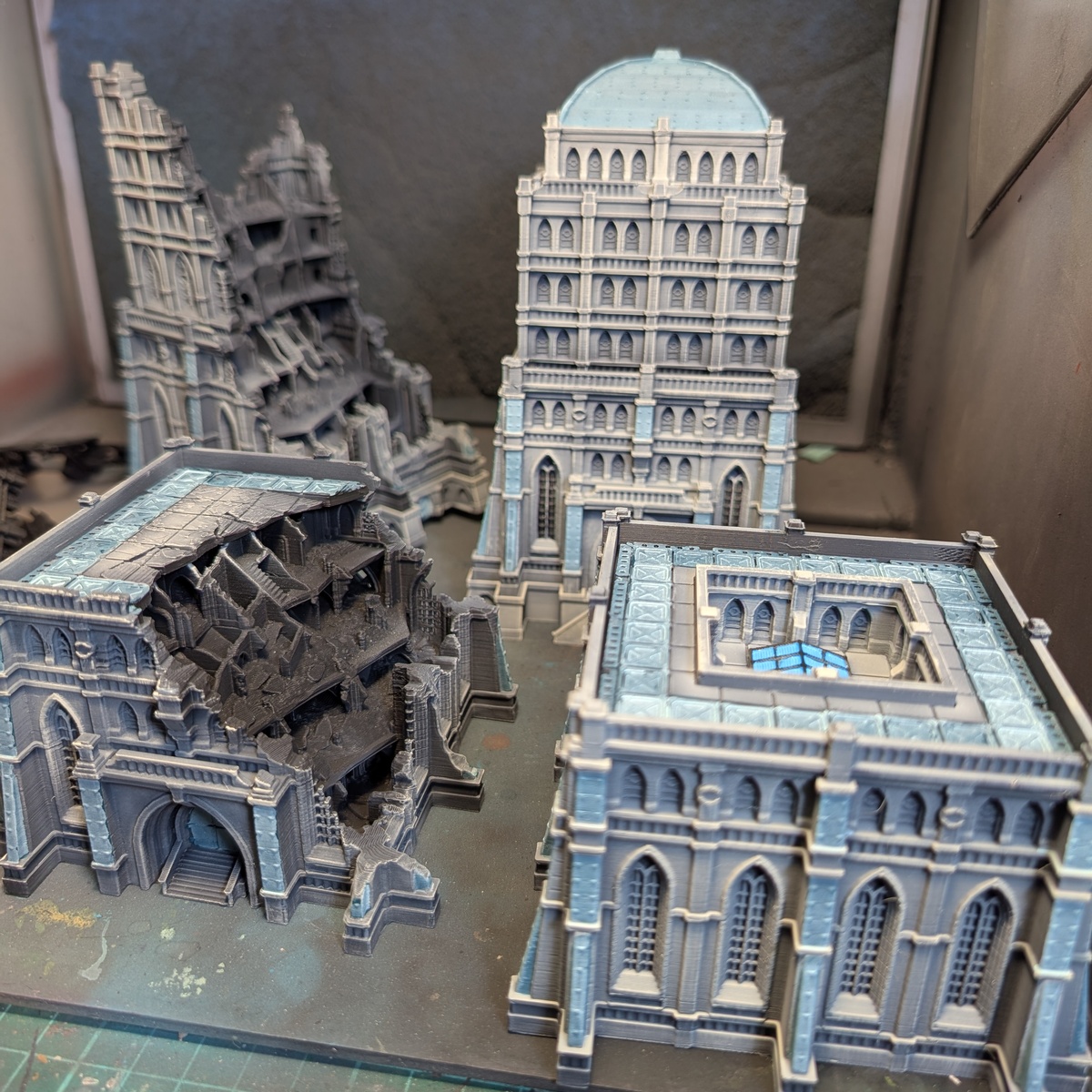
legions Imperalis Civitas Buildings (Lumos)

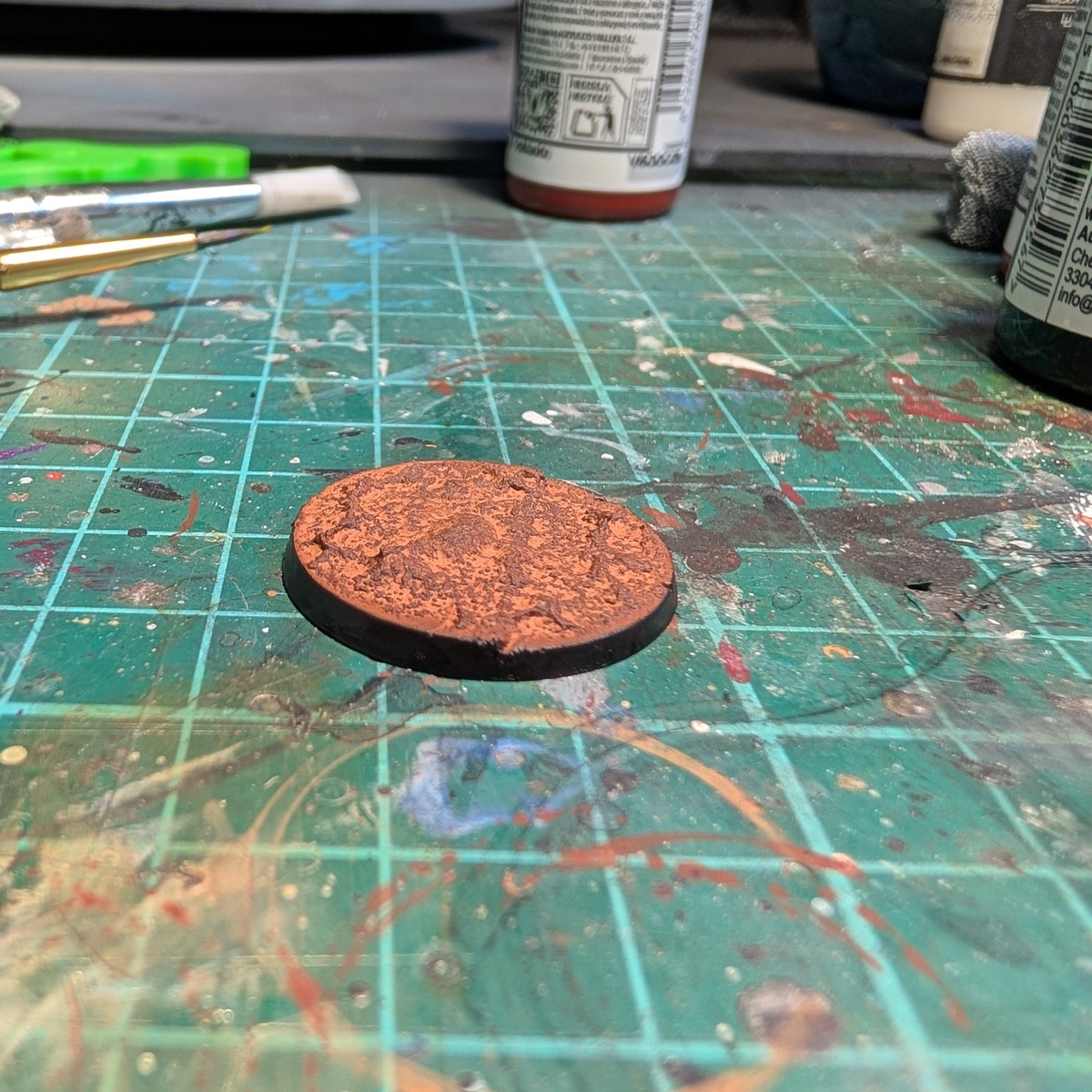
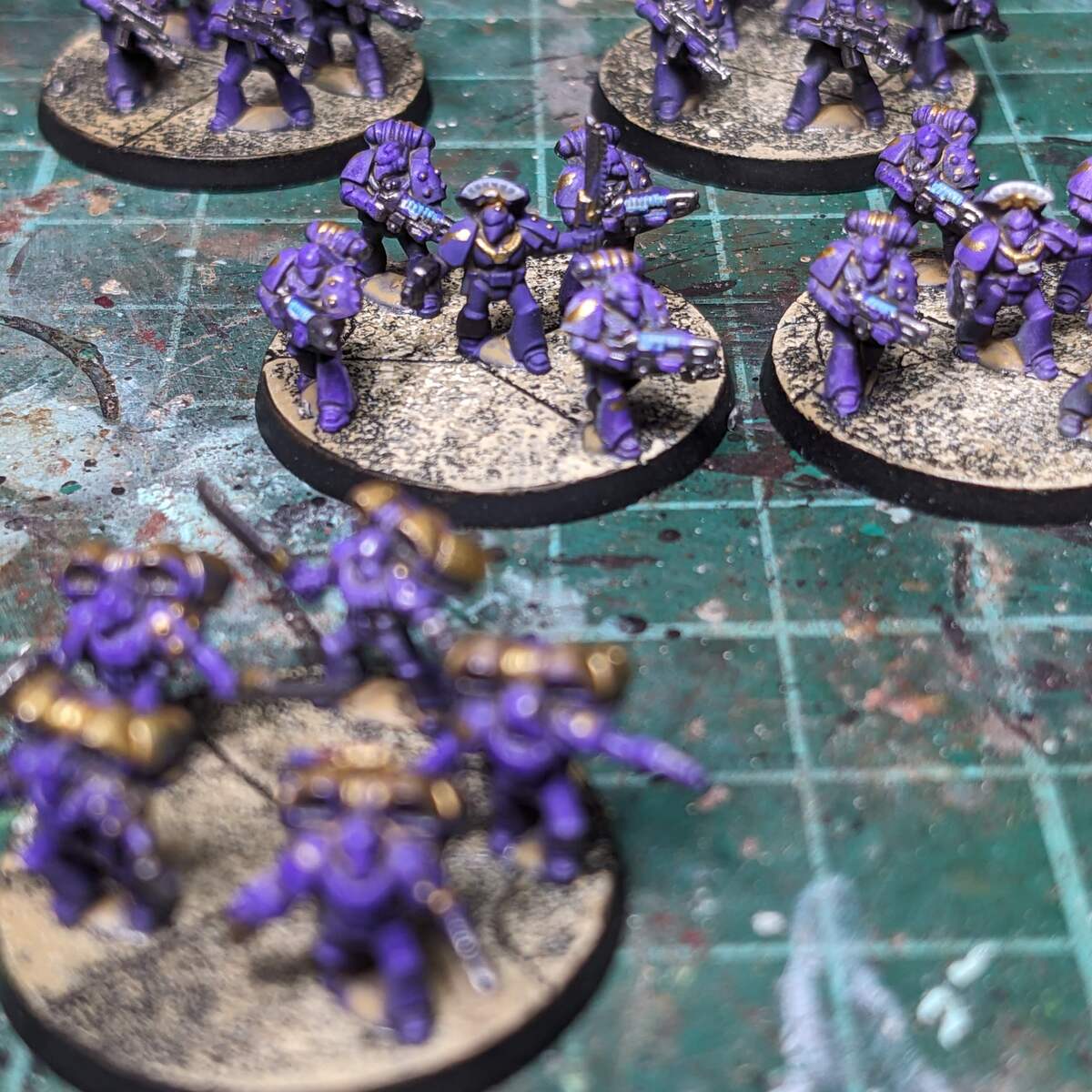
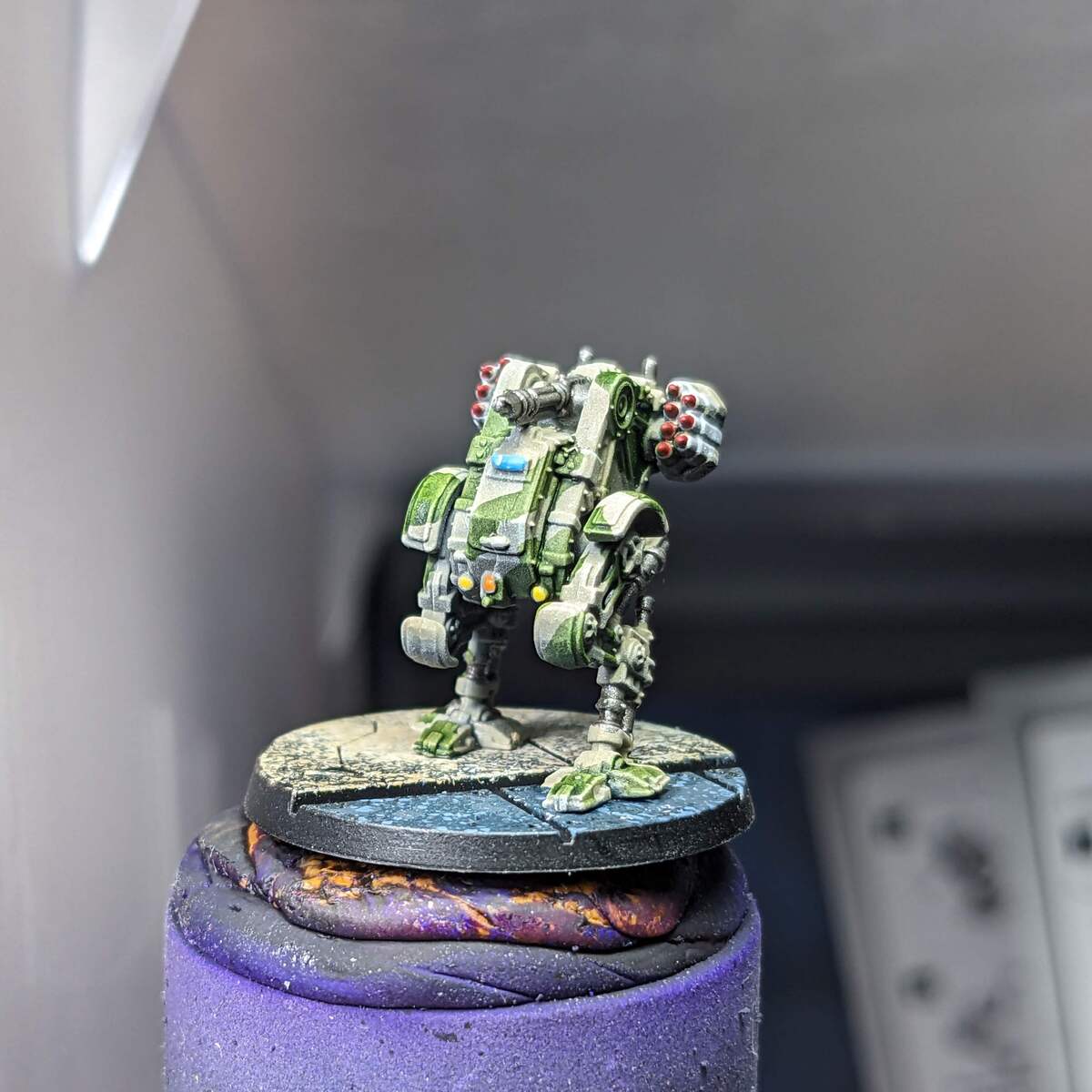
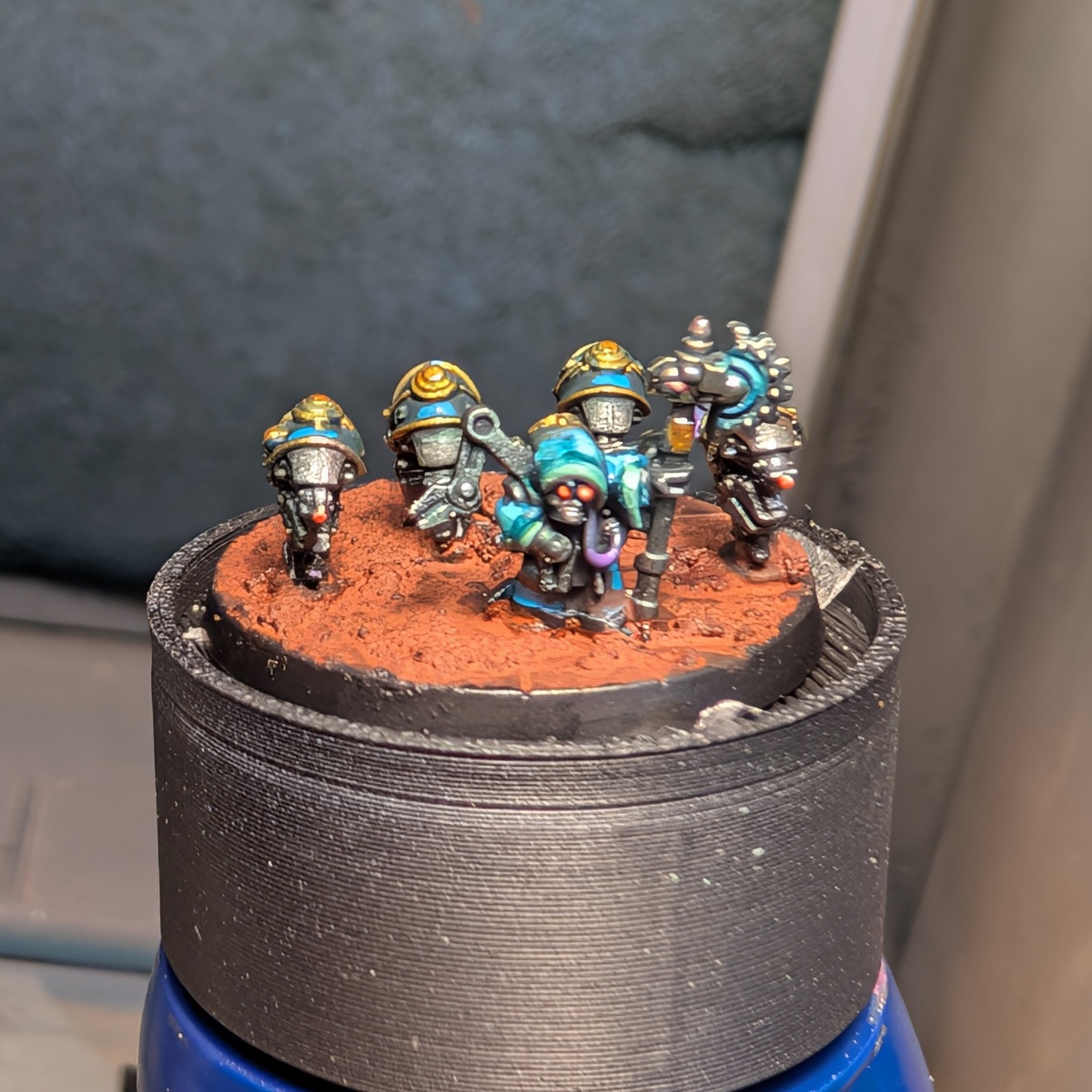
I purchased a bunch of STLs from Lumos Miniature Terrain and this is how I painted them.
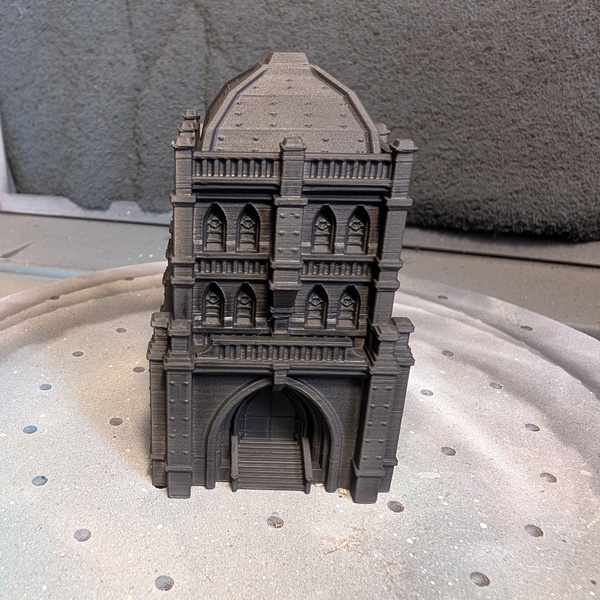 A healthy prime in Black . Alternatively, skip the next step and use Dark Neutral Grey .
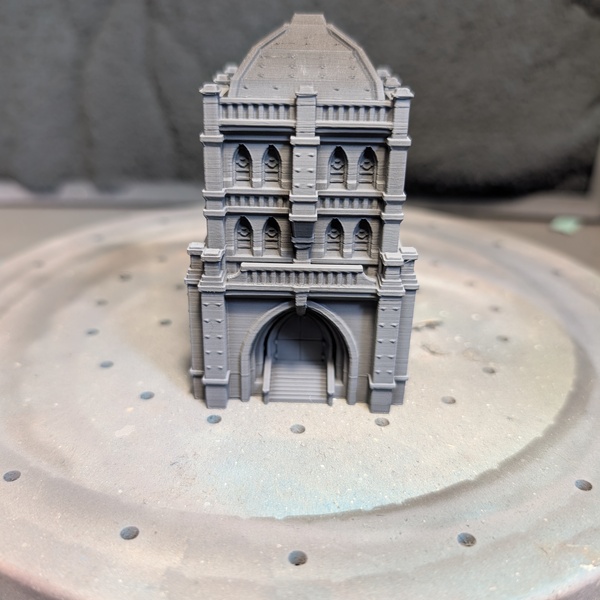 Zenithal or dry brush of Basalt Grey . Any dark grey (eg Mechanicus Standard Grey ) will work, but I like the slight bluish tone of basalt. If you prefer, you could do a reverse zenithal with Payne's grey to push the cool shadows.
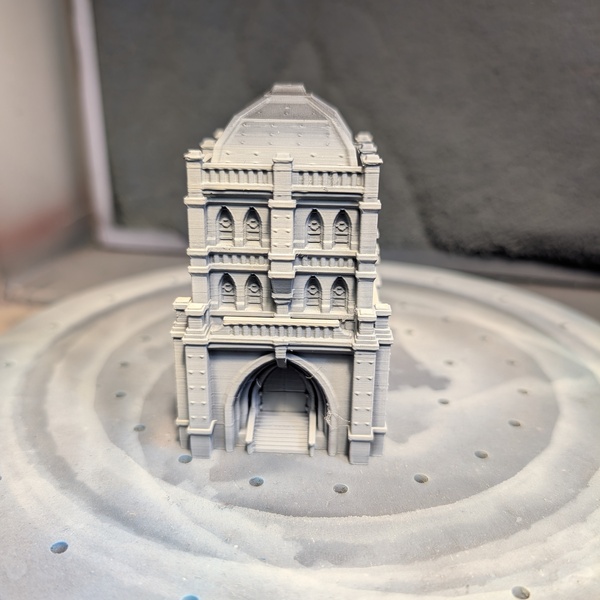 Zenithal or dry brush of Deck Tan , which is vaguely equivalent to Pallid Wych Flesh (but better). You'll probably need to do two coats to get it bright enough.
 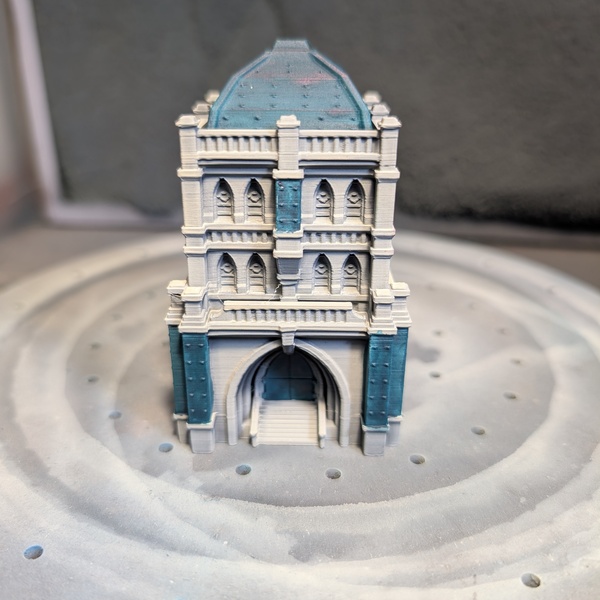 Block in the bronze areas with Jade or any dark blue green, eg Kabalite Green .
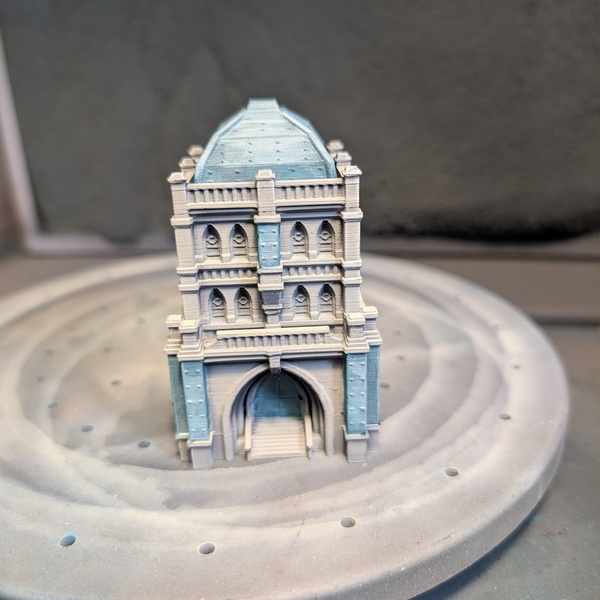 Dilute the heck out of Verdigris until it's basically a wash, then apply it over the bronze to give it a really oxidised effect. Other paints that would work are Ghost Green or Gauss Blaster Green .

Serpentine Logic
SerpentineLogic
Citadel Painting System 4
Base 1
- Mechanicus Standard Grey
Layer 3
- Gauss Blaster Green
- Kabalite Green
- Pallid Wych Flesh
Monument Hobbies Pro Acryl 3
Signature Series: Vince Venturella 1
- S01 Jade
Prime 2
- PRIME 002 Black
- PRIME 005 Dark Neutral Grey
Vallejo Game Color
Base 2
- 72.096 Verdigris
- 72.121 Ghost Green
Vallejo Model Color
Base 2
- 70.869 Basalt Grey
- 70.986 Deck Tan