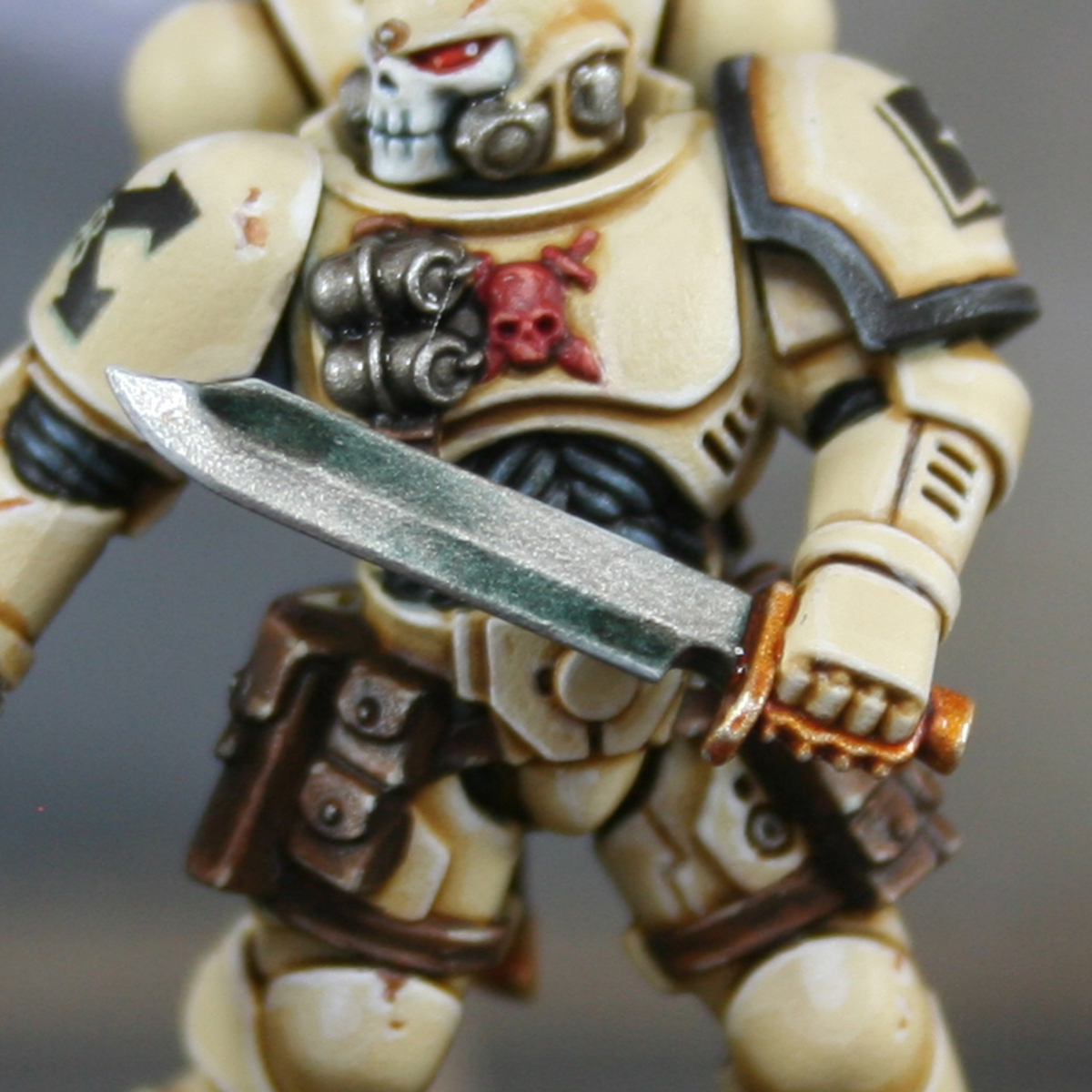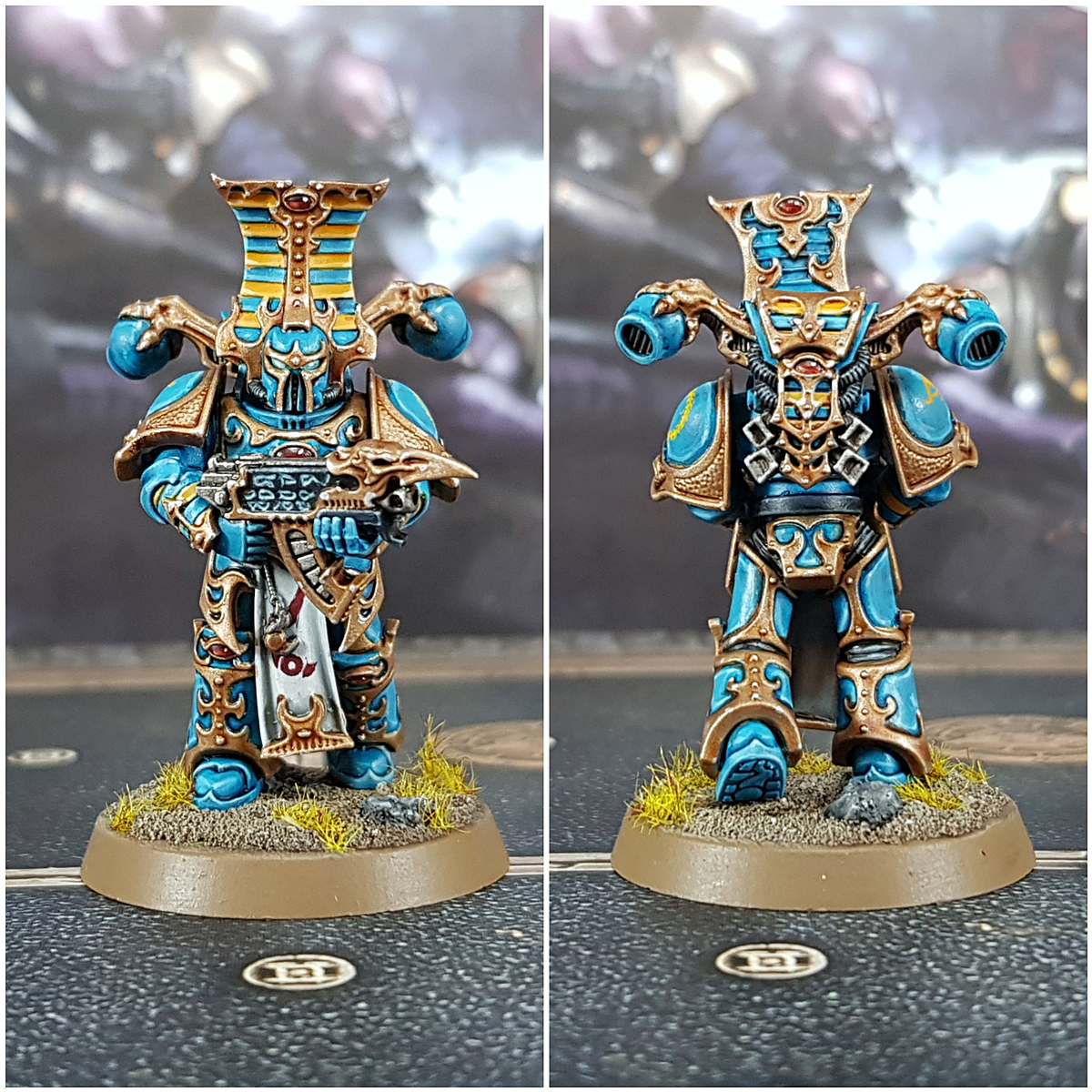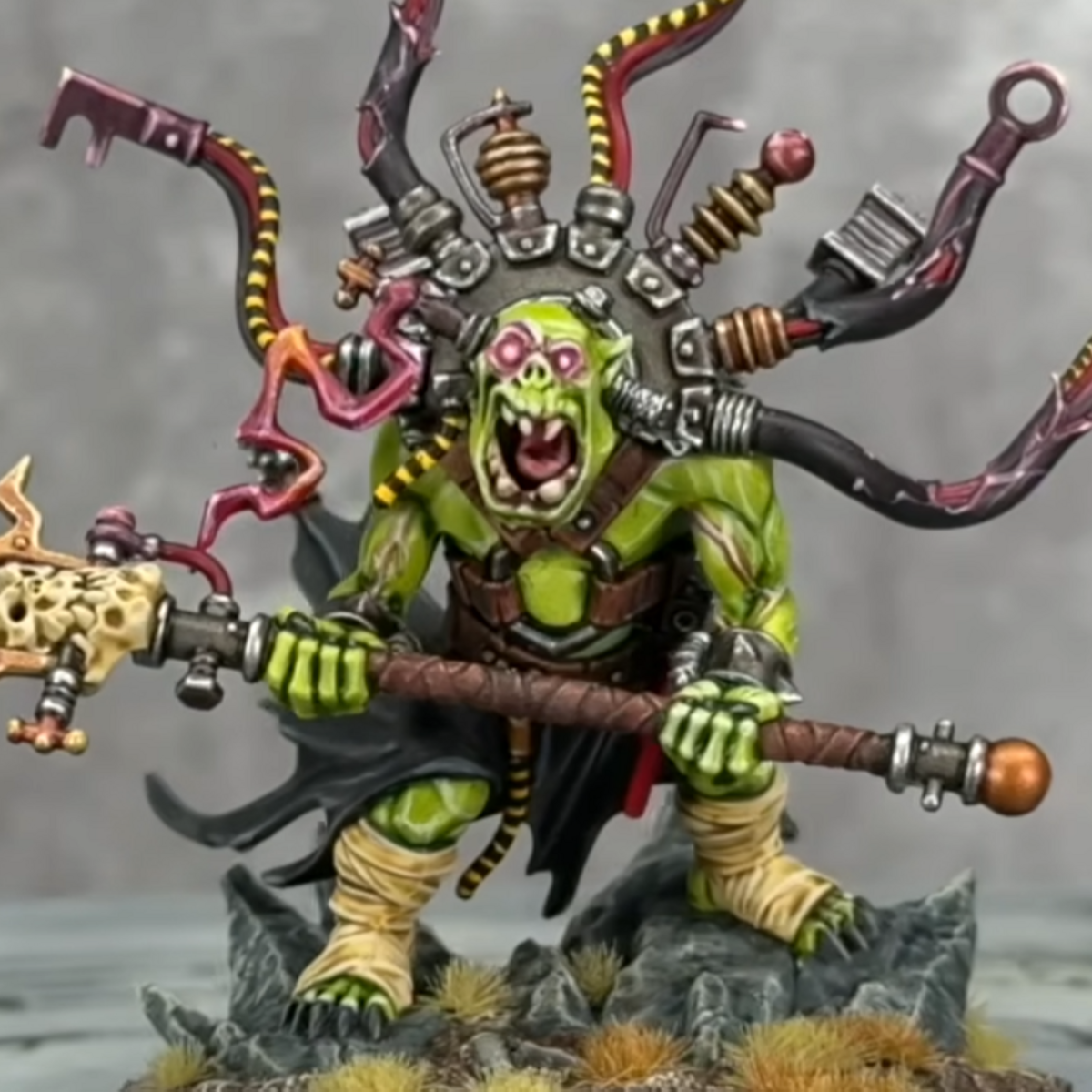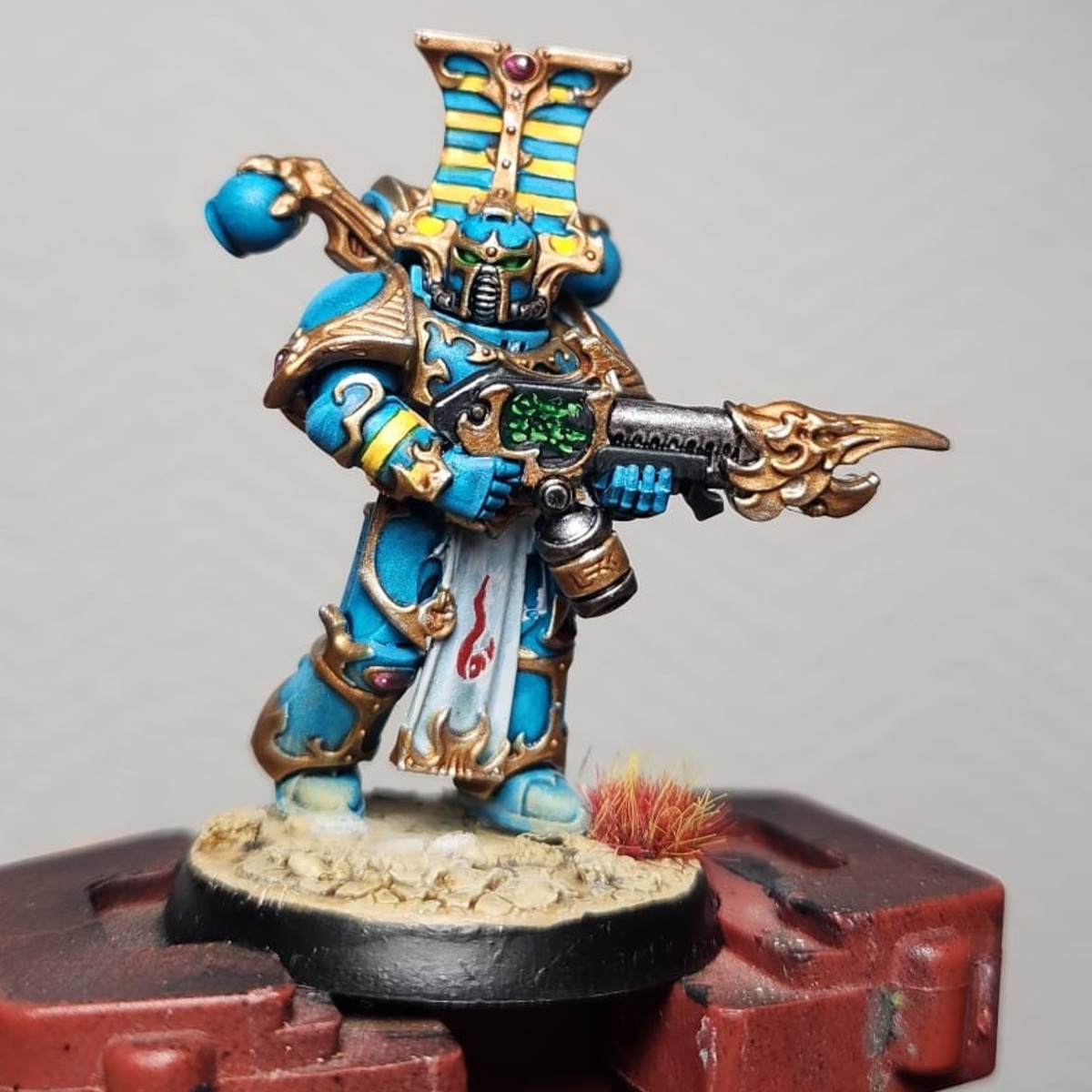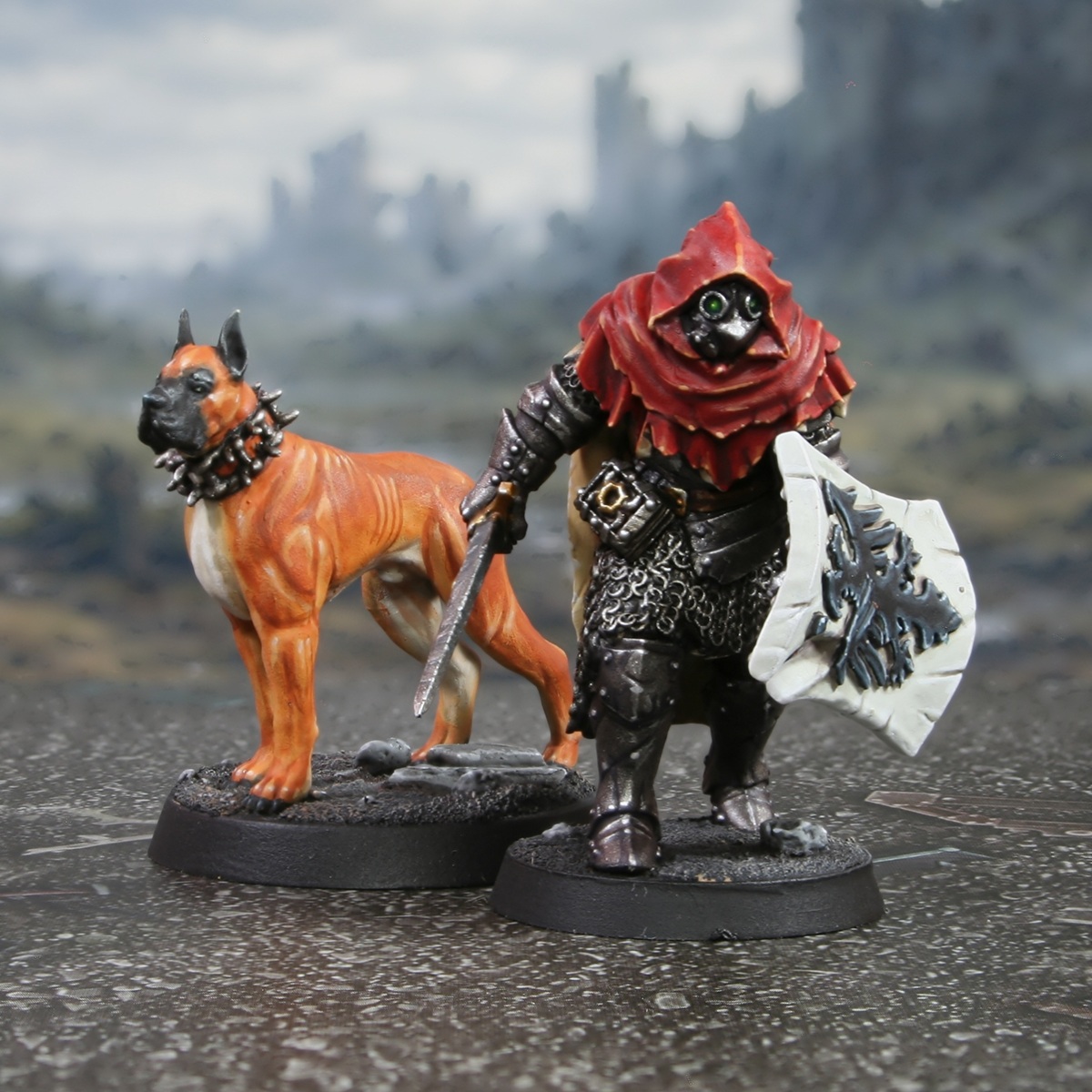

How I painted these two legendary warriors form the 1490 DOOM expansion, the "The Fall of Rothenburg".
.jpg) Wilhelm: Cloak Lining
Wilhelm: Cloak Lining
- Basecoat with Ushabti Bone .
- Mix some Ushabti Bone and Steel Legion Drab 1:1. Thin this paint with an equal amount of Lahmian Medium and wash.
- Shade deep recesses with a lin line of Dryad Bark .
- Dge highlight with Screaming Skull .
- Finish with very small/specular highlights of Wraithbone .
.jpg) Wilhelm: Cloak and Hood
Wilhelm: Cloak and Hood
- Basecoat with Mephiston Red .
- Shade the cloth with some 1;1 Incubi Darkness and Mephiston Red .
- Apply highlights with :Citadel/EvilSunzScarlet. To make the cloth look rough, I highlighted the folds and edges with a series of lines, adding texture.
- Add finer highlights of Wild Rider Red , within the previous stages highlights.
- Selectively highlight with 1:1 Wild Rider Red and Tau Light Ochre .
- Finish with very small specular highlights of Tau Light Ochre and White .
.jpg) Wilhelm: Lenses
Wilhelm: Lenses
- Basecoat with Caliban Green .
- Highlight the centre with Warpstone Glow .
- Add a smaller highlight of Moot Green .
- Finish with a tiny Ice Yellow dot in the centre.
.jpg) Wilhelm: White
Wilhelm: White
- Basecoat with 1:1 Deepkin Flesh and Ulthuan Grey .
- Thin a 1:1 mix of Celestra Grey and Ionrach Skin , then shade and glaze.
- Shade the deep recesses with fine lines of Dryad Bark .
- Mix some White into the base colour and edge highlight.
- Finish with selective highlights of pure White .
.jpg) Wilhelm: Black
Wilhelm: Black
- Basecoat with Black .add highlights of Dark Reaper .
- Now add a fine highlight of Thunderhawk Blue to all edges.
- Selectively highlight corners and curves with Fenrisian Grey .
- Finish with specular Blue Horror highlights.
.jpg) Wilhelm: Armour
Wilhelm: Armour
- Basecoat with a mix of 1 part Rhinox Hide , 1 part Abaddon Black and 2 parts Leadbelcher .
- Shade with a thin mix of 1:1 Rhinox Hide and Kantor Blue . the majority of this was careful recess shades with a thin brush, but I did glaze some shading to further define shapes too.
- Add highlights of pure Leadbelcher on very exposed and upward facing points of the armour.
- Edge highlights with Ironbreaker .
- Add selective highlights of Silver RLM01 Metallic .
For Berengar's collar and a few other details, I basecoated black then overbrushed with Leadbelcher , highlighted with Ironbreaker and finished with the same Silver RLM01 Metallic highlights.
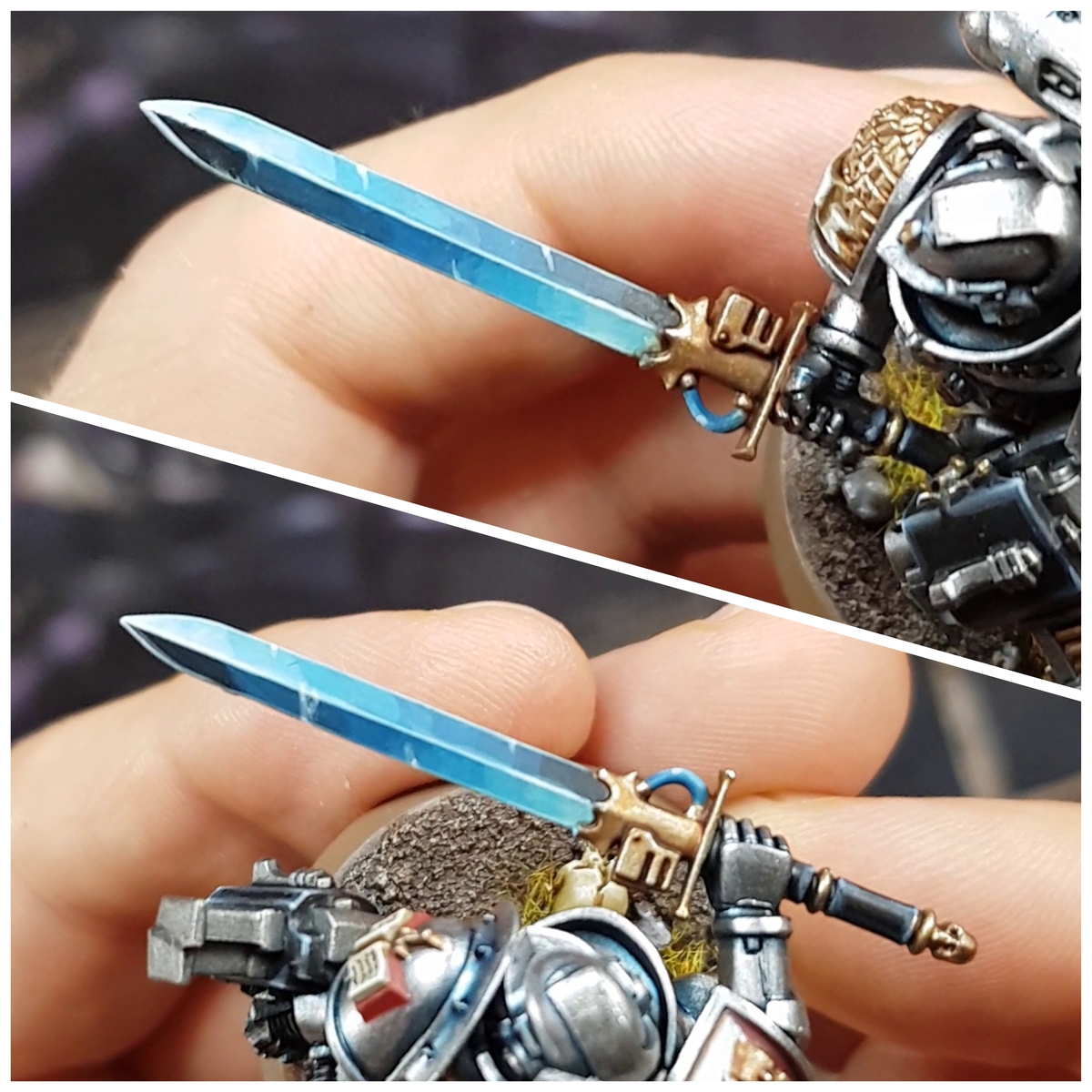
.jpg) Blade
Blade
- Basecoat with Leadbelcher .
- Shade with glazes of Gryph-charger Grey . I mixed in a little :black and glazed a smaller area on the second pass.
- Highlight with Ironbreaker .
- Finish with some small Silver RLM01 Metallic highlights.
.jpg) Gold Details
Gold Details
- Basecoat with Retributor Armour .
- Wash with Agrax Earthshade .
- Gradually mix Silver RLM01 Metallic into your Retributor Armour and highlight.
- Finish with specular Silver RLM01 Metallic highlights.
.jpg) Berengar: Fur
Berengar: Fur
When I painted the model pictured, I basecoated the Ungor Flesh , Screaming Skull and Black areas first to get the balance right. I then did the drybrushing for the main colour, before retouching them later. I have broken this down into three sections below just for clarity.
- Basecoat the coloured section with Ungor Flesh .
- Drybrush heavily with Tau Light Ochre . This should cover almost all of the basecoated area and add some nice texture.
- Repeat, but with a lighter drybrush using Skrag Brown . This should cover slightly less area and further define the shape of the musculature.
- Glaze with Skrag Brown , going over all of the drybrushed areas, to unify them. Pull your brush towards the darkest areas.
- Thin some Mournfang Brown and shade downward facing fur.
- Highlight the fur with Tau Light Ochre .
- Selectively highlight with Ungor Flesh .
- Finish with very small specular highlights of Screaming Skull .
- Basecoat the light section with Screaming Skull .
- Glaze the inner thighs and where the fur in thinner with Cadian Fleshtone . I would recommend getting some reference photos for this, if you haven't referred to some already.
- Shade deep recesses with Stormvermin Fur .
- Add highlights with 1:1 Screaming Skull and White .
- Finish with some selective White highlights.
- Basecoat the black ear and face markings with Black .
- Carefully mix Ice Yellow into your black, then highlight the fur. Do this a couple of times, coverring less area each time you increase the amount of Ice Yellow .
.jpg) Berengar: Eyes, Nose and Claws
Berengar: Eyes, Nose and Claws
- Basecoat with Black .
- Highlight with Dark Reaper .
- For the highlights, mix some Ice Yellow into the Dark Reaper . Repeat as many times as you can, adding more Ice Yellow and coverring a smaller area. Don't be too scared of a big jump in brightness. These areas are small and it will be hard to see.
.jpg) Berengar: Collar
Berengar: Collar
- Basecoat with Black .
- Overbrush with Leadbelcher , leaving the recesses Black .
- Edge highlight with Ironbreaker .
- Finish with some small Silver RLM01 Metallic highlights.

Rookie Brushes
RookieBrushes
Aspiring miniature painter and biscuit enthusiast. Here to share my hobby and help where I can.
Citadel Painting System 34
Base 14
- Abaddon Black
- Caliban Green
- Celestra Grey
- Dryad Bark
- Incubi Darkness
- Ionrach Skin
- Kantor Blue
- Leadbelcher
- Mephiston Red
- Mournfang Brown
- Retributor Armour
- Rhinox Hide
- Steel Legion Drab
- Wraithbone
Shade 1
- Agrax Earthshade
Layer 17
- Blue Horror
- Cadian Fleshtone
- Dark Reaper
- Deepkin Flesh
- Fenrisian Grey
- Ironbreaker
- Moot Green
- Screaming Skull
- Skrag Brown
- Stormvermin Fur
- Tau Light Ochre
- Thunderhawk Blue
- Ulthuan Grey
- Ungor Flesh
- Ushabti Bone
- Warpstone Glow
- Wild Rider Red
Technical 1
- Lahmian Medium
Contrast 1
- Gryph-charger Grey
Vallejo Model Air
Base 1
- 71.063 Silver RLM01 Metallic
Vallejo Model Color
Base 3
- 70.858 Ice Yellow
- 70.950 Black
- 70.951 White