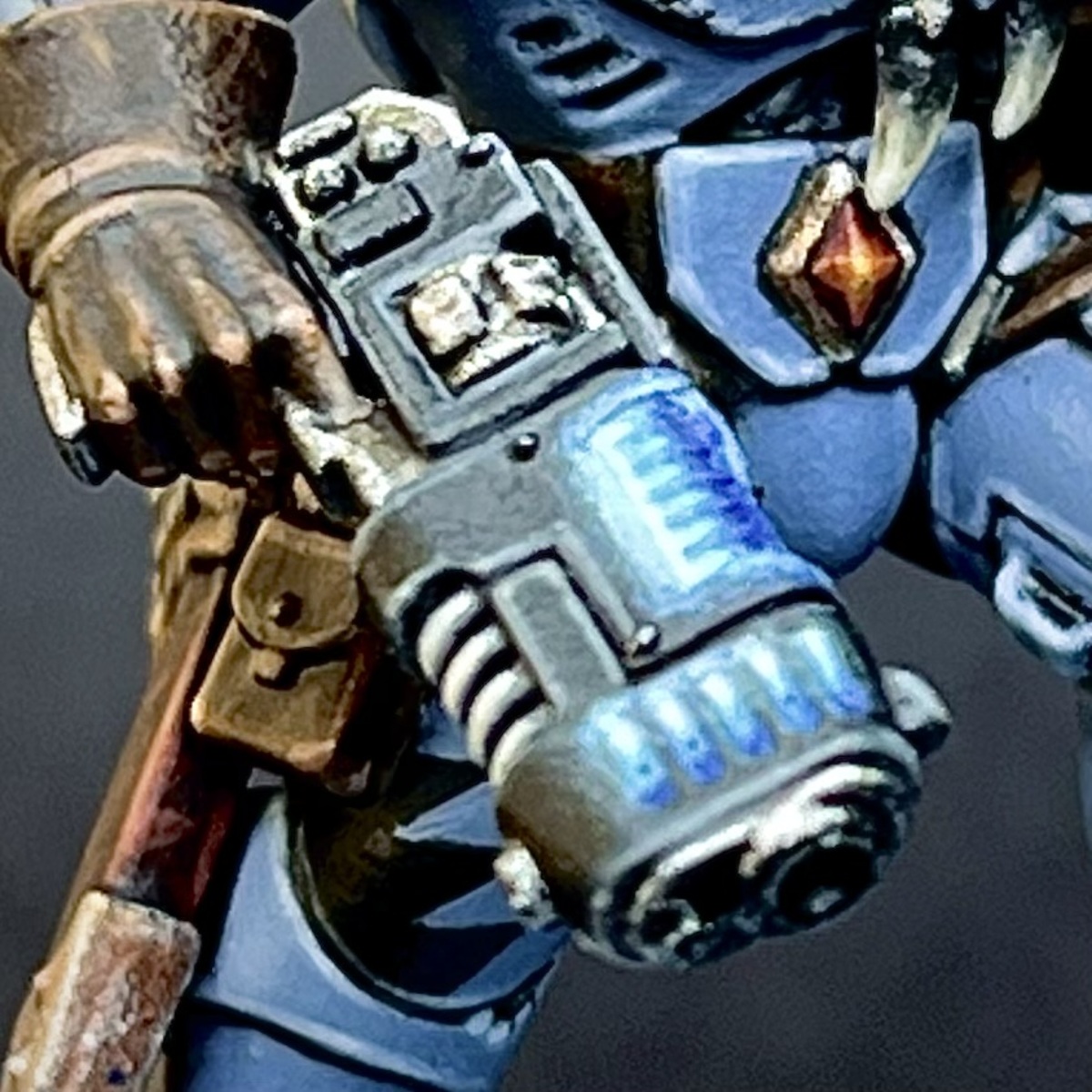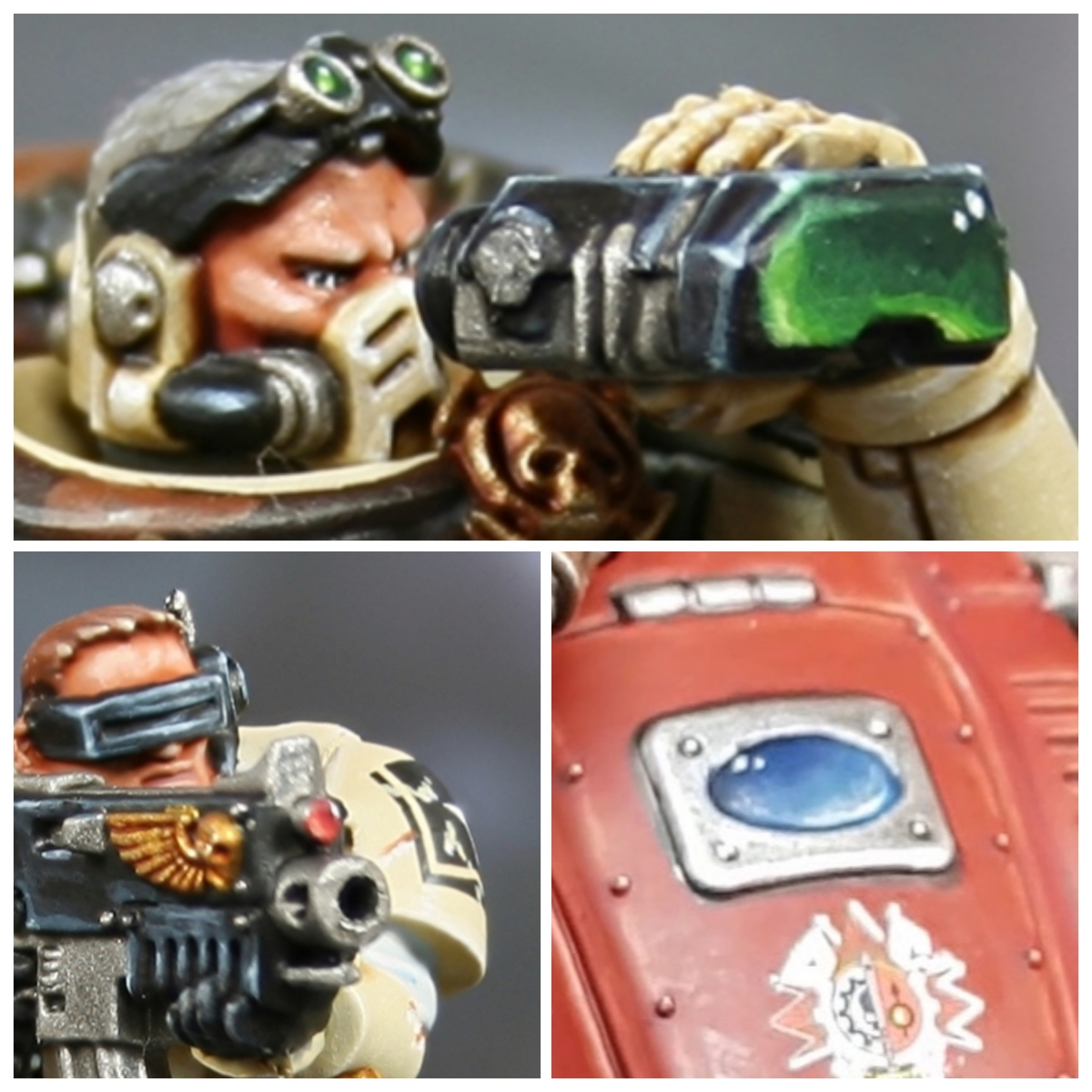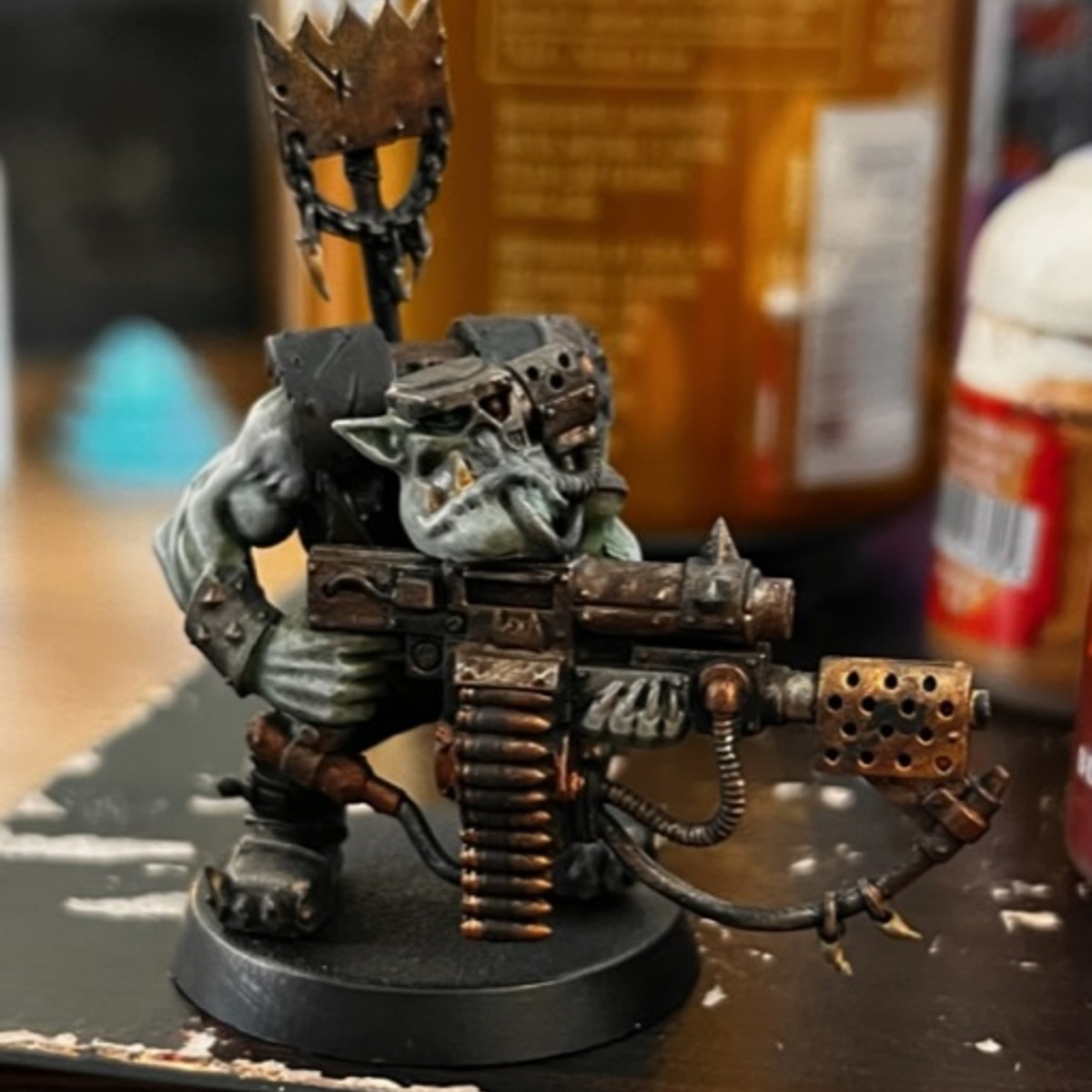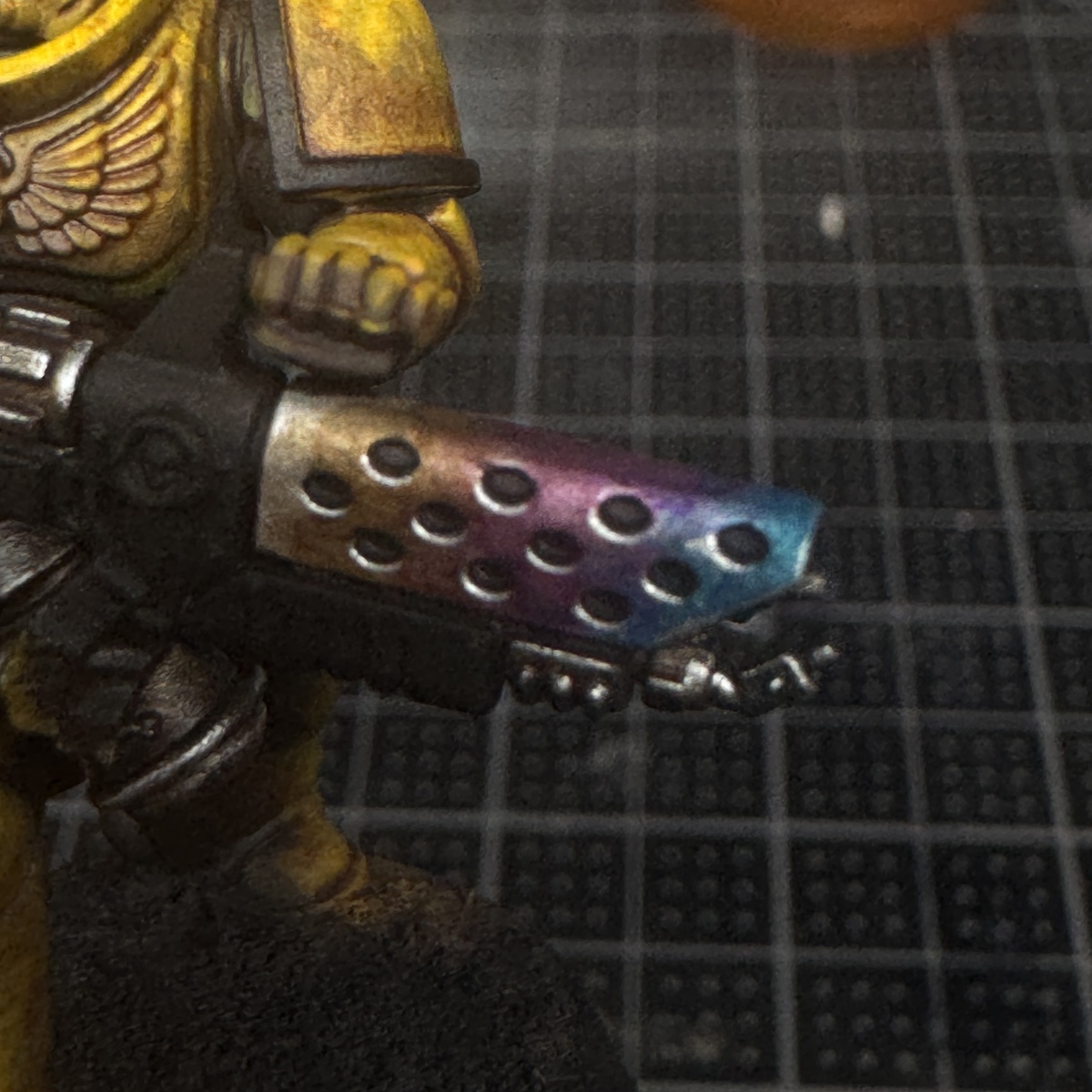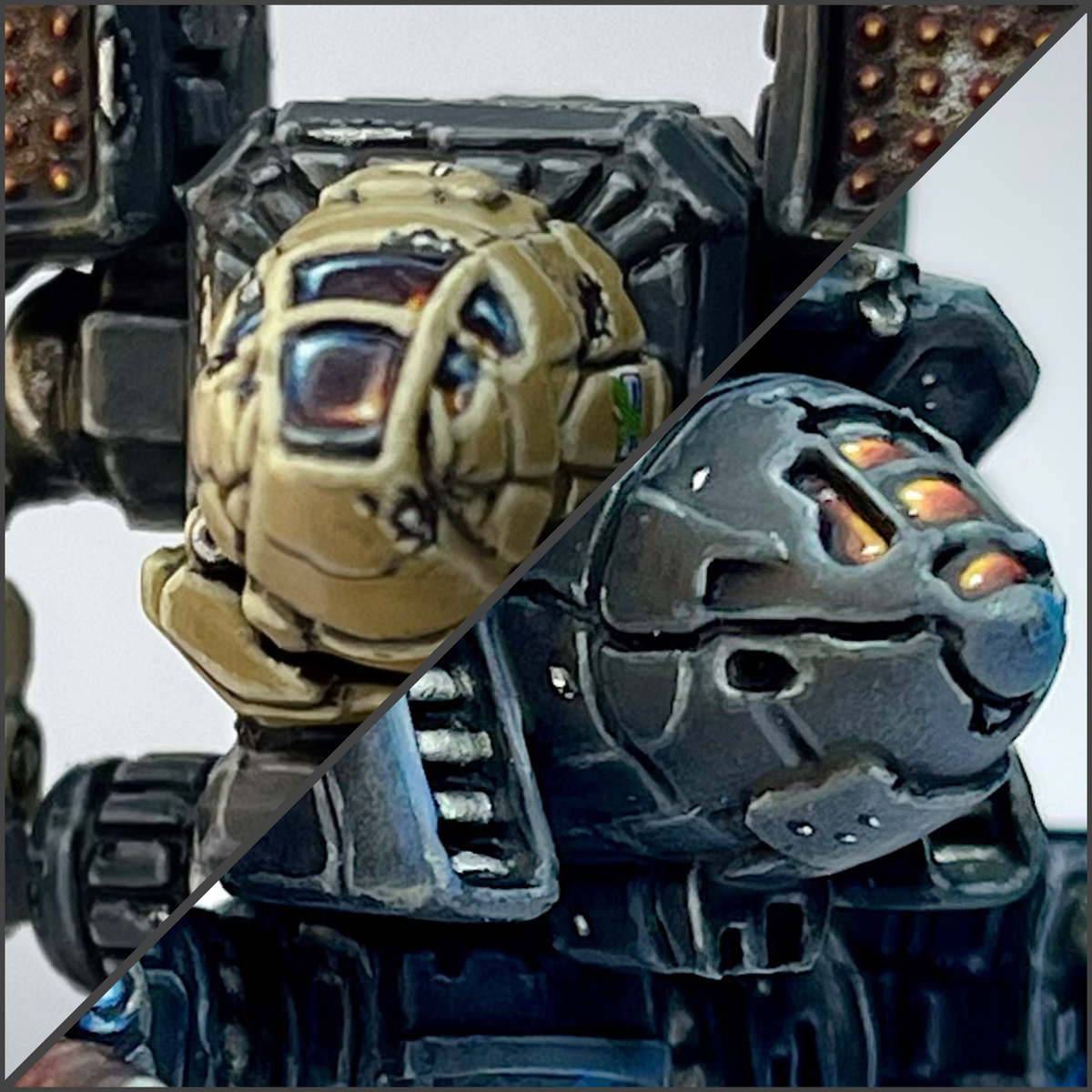

How I paint canopy glass for mechs. I mostly use this for Battletech, but can be applied to cockpit canopies for aerospace fighters, vehicles, and mechs in Battletech, Warhammer, etc. I detail how to paint red canopy glass and what I like to call mirrorized glass. I may add additional colors as I paint them. But the technique can be applied to just about any colors.
I got the original idea for the mirrorized glass from Duncan Rhodes' video on painting Clan Wolf Beta Galaxy. My recipe differs slightly in technique and paints used, but still highly recommend checking it out: https://youtu.be/HARE4yzVK8k?si=QusAurgYusFy-v_1
 Red Glass
- Base coat the canopy glass using a 1:1 mix of Gal Vorbak Red and Doom Death Black .
- Shade the deepest recesses of the canopy using Black Templar .
- Starting the top left corner and working your way down to just above the bottom right corner, apply a very thin coat of Gal Vorbak Red .
- Repeat the previous step, staying nearer and nearer to the top left corner with each step using, in order: Khorne Red , Mephiston Red , Evil Sunz Scarlet l, and Fire Dragon Bright .
- Using a thin coat of :Citadel/FireDragonBrighor, paint an L shape in the top left corner.
- Repeat the previous step, this time making the L much smaller using Flash Gitz Yellow .
- Apply a single dot of Bold Titanium White in the top left and bottom right corners.
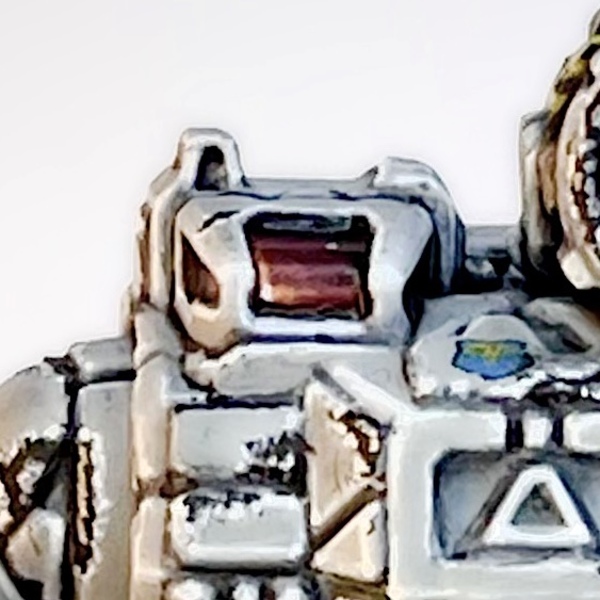 Note: The L shaped highlight may not always be in the top left corner. Rather its position depends on the shape of the cockpit and where light would naturally be hitting the glass. You can see that, in the case of this Summoner, the L shaped highlight is in the bottom left corner. And some cockpits may even have two highlights - one on two opposing corners. The recipe still applies - just adjust positioning as needed.
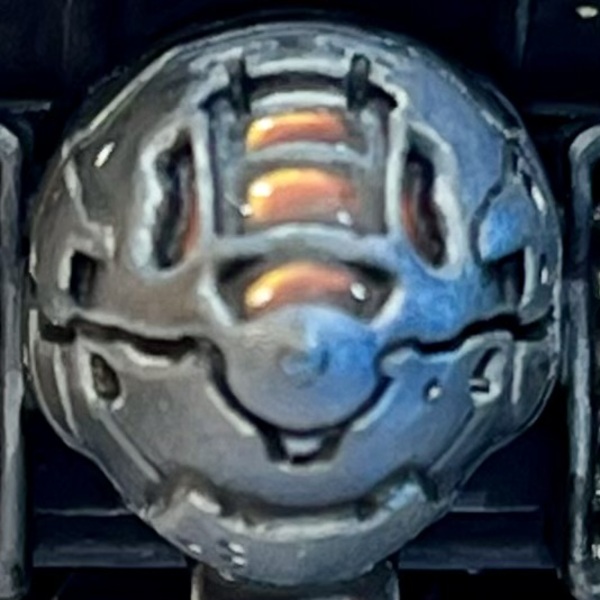
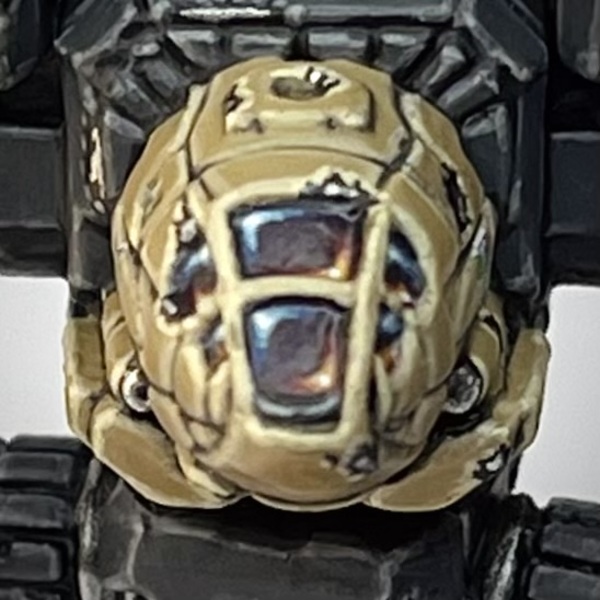 Mirrorized Glass
- Base coat with a 1:1:1 mix of Kantor Blue , Khorne Red , and Doom Death Black .
- Shade the deepest recesses of the canopy using Black Templar .
- Apply a thin coat of 1:1 Kantor Blue and Khorne Red over the canopy, avoiding the recesses.
- Heavily thin down some Kantor Blue and apply it in a large L shape in the top left corner before drawing it out into the center in a sort of triangle shape.
- Repeat the previous step, this time with Khorne Red and starting with an L shape in the bottom right corner.
- Allow the paints from the previous two steps to mix in the middle while wet on the model. Then, reintroduce your 1:1 mix of Kantor Blue and Khorne Red in the middle.
- Keep your paint thin and repeat the previous three steps, drawing the purple mixture into the red and blue and, conversely, drawing the blue and red into the purple as needed. Feel free to add more paint if needed. Patiently work the wet paints until they've blended into a nice gradient.
- In the top left corner, redraw your large L shape using Kantor Blue . This time, leave it in the L shape - no need to draw the paint down again.
- Repeat your L shape, making a smaller L with each color, using the following colors in order: Alaitoc Blue , Teclis Blue , Baharroth Blue , and a 1:1 mix of Baharroth Blue and Trooper White .
- In the bottom right corner, redraw your large L shape using Khorne Red . This time, leave it in the L shape - no need to draw the paint out again.
- Repeat your L shape, making a smaller L with each color, using the following colors in order: Evil Sunz Scarlet , Wild Rider Red , Fire Dragon Bright , and Flash Gitz Yellow .
- Apply a single dot of Bold Titanium White in the top left and bottom right corners.

Sabrina Fay
FayDayParade
I paint little plastic dudes.
Citadel Painting System 12
Base 4
- Gal Vorbak Red
- Kantor Blue
- Khorne Red
- Mephiston Red
Layer 7
- Alaitoc Blue
- Baharroth Blue
- Evil Sunz Scarlet
- Fire Dragon Bright
- Flash Gitz Yellow
- Teclis Blue
- Wild Rider Red
Contrast 1
- Black Templar
Monument Hobbies Pro Acryl
Base 1
- 001 Bold Titanium White